Hybrid Meeting Remote Staff Can't Hear? How Room Audio Fixes It
August 11, 2026
Quick Answer: Remote staff usually can't hear in hybrid meetings because a laptop or huddle-room speakerphone mic is trying to capture an entire room built for humans, not microphones. Hard floors, glass walls, and high ceilings bounce sound around before the mic ever picks it up, so remote listeners get a garbled mix of voices, echo, and HVAC hum. The fix isn't a louder speaker — it's a properly placed microphone system, usually a ceiling or table array with beamforming, paired with acoustic treatment that controls reverberation before it reaches the mic. Digital signal processing then handles echo cancellation and automatic gain control so every voice in the room lands at a consistent, intelligible level for people dialing in. Done right, remote employees stop asking "can you repeat that?" and start participating like they're actually in the room.
Why Hybrid Meeting Audio Fails Remote Teams
You're three minutes into a leadership call in a downtown Seattle high-rise when it happens again. Two remote teammates on the video tile go quiet, brows furrowed, leaning toward their screens. "Sorry, can you say that last part again?" someone finally asks. You repeat yourself, louder this time, and the meeting limps forward with everyone talking a little slower, a little more carefully, like they're speaking to someone hard of hearing. Nobody physically in the room notices a problem. That's exactly the issue.
This scene plays out daily in conference rooms across Seattle's high-rises, in law offices along Fifth Avenue, in tech company huddle rooms in South Lake Union. The people physically present hear each other fine — sound waves travel a few feet across a table without much trouble. It's the remote side of the meeting that suffers, and because the in-room team can't hear what remote staff hears, the problem gets misdiagnosed constantly. Someone blames the laptop's built-in microphone. Someone else blames the internet connection, or the video platform, or the remote employee's headset. Rarely does anyone blame the room itself, even though the room is usually the actual culprit.
Audio dropouts and garbled speech during hybrid calls aren't a mystery once you understand what a conference room actually does to sound before it reaches a microphone. Reverberation, mic placement, and pickup pattern limitations combine to turn a perfectly good meeting into an exhausting guessing game for anyone not physically in the seats. The good news is that this is a solvable, well-understood problem in commercial AV, and fixing it doesn't require gutting the room.
Why Laptop and Built-In Mics Fail in Real Conference Rooms
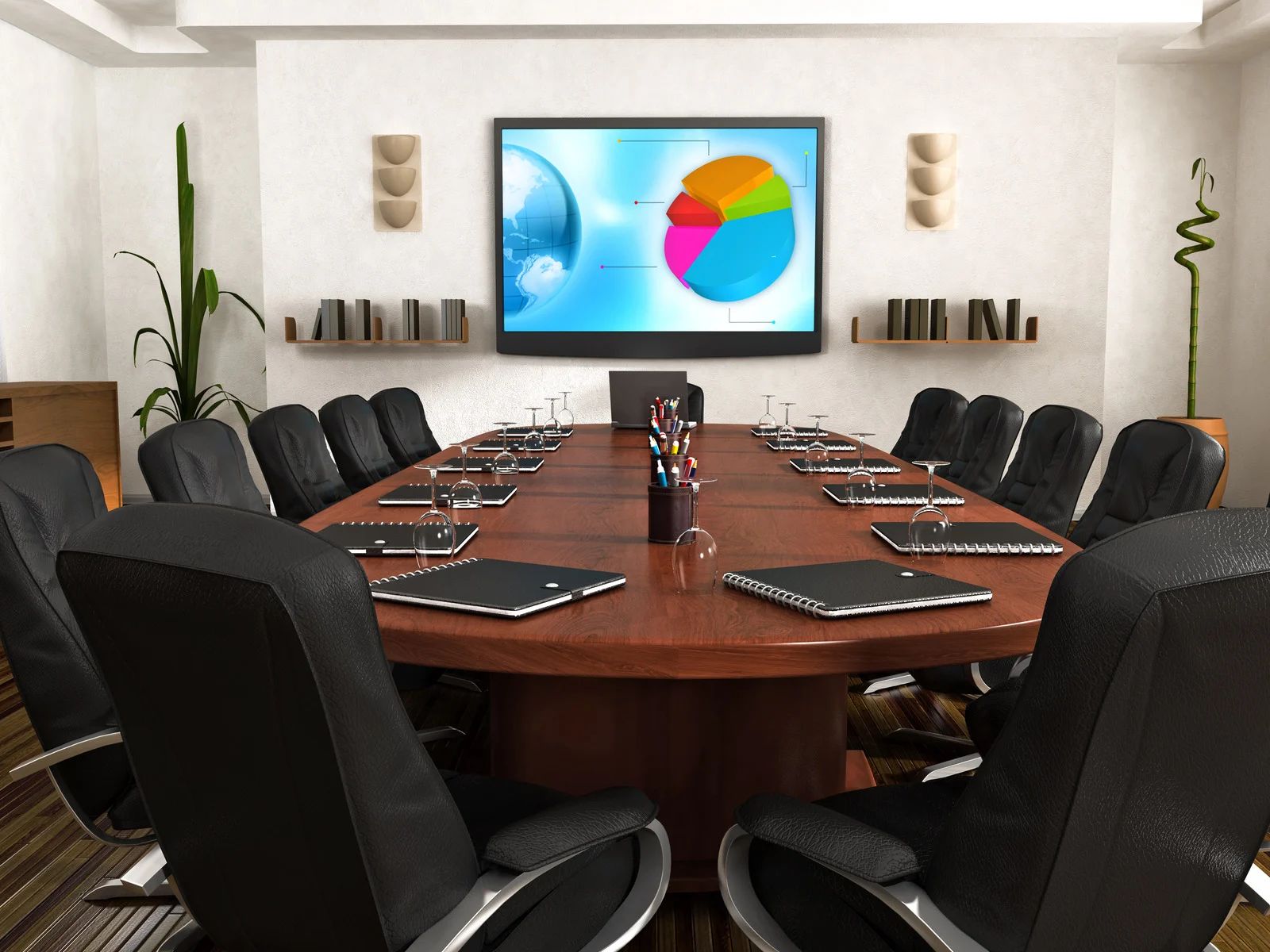
Most video conferencing problems start with equipment that was never designed for the space it's being asked to cover. A laptop microphone is built to capture one person sitting a foot or two away, in a quiet room, with minimal competition from other sound sources. Put that same laptop in the middle of an eight-person conference table and ask it to capture everyone equally, and it simply can't.
Distance kills clarity
Sound pressure drops off fast with distance, so a mic that sounds crisp for the person nearest it picks up everyone else as a faint, muddy wash. The colleague at the far end of the table might as well be whispering as far as the microphone is concerned.
Built-in mics are omnidirectional by default
They grab sound from every direction at once, which means keyboard clatter, a rolling office chair, the HVAC vent overhead, and someone's phone buzzing on the table all compete with the actual conversation. Remote listeners end up straining to separate voices from room noise, and that strain adds up over a fifty-minute meeting.
Huddle-room speakerphones aren't much better on their own
A single puck-style speakerphone in the center of a table has a fixed pickup radius, usually rated for small rooms and a handful of seats. Once a room grows past that radius, or once people sit off to the side rather than clustered around the device, coverage drops off fast and remote staff lose entire sentences.
And here's the part that catches most offices off guard: none of this shows up as a hardware failure. The device isn't broken. It's doing exactly what it was designed to do — it's just doing it in a room it was never designed for.
What Room Acoustics Do to Remote Audio, Even With Good Equipment
This is the part that trips up even offices that have already spent money on a decent camera and speaker. You can buy a better microphone and still get complaints, because the room itself is actively working against clear audio.
Reverberation Is the Biggest Hidden Offender
Reverberation occurs when voices reflect off walls, ceilings, tables, and windows before reaching microphones. These delayed reflections overlap with direct speech, reducing clarity and making words harder to distinguish. Heavy reverberation becomes especially noticeable for remote participants during compressed video calls.
Hard Surfaces Are Reverberation’s Fuel
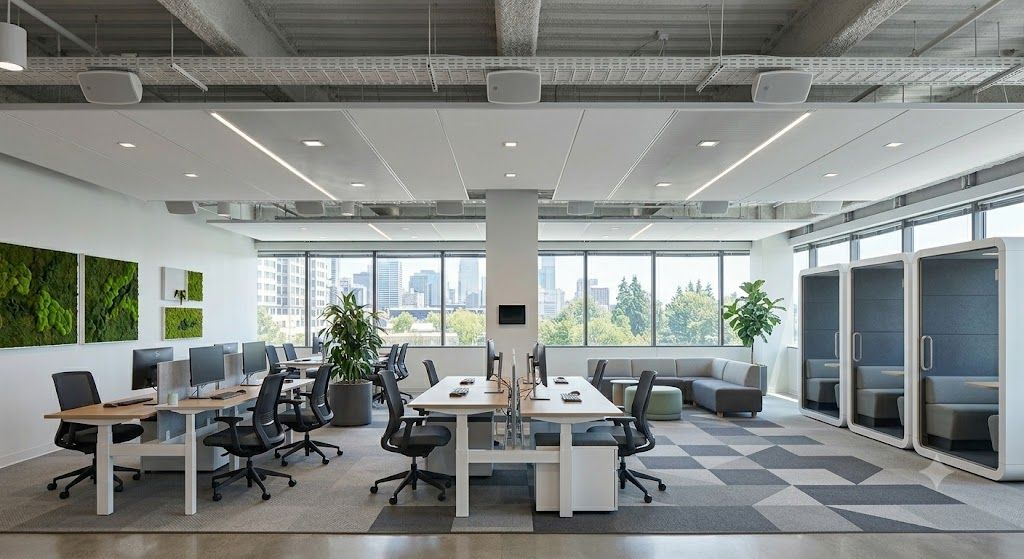
Tile floors, glass walls, exposed concrete, and drywall reflect sound instead of absorbing it. Conference rooms featuring these materials can create excessive echoes and muddiness. Adding suitable acoustic treatment helps control reflections, allowing microphones to capture cleaner, more intelligible speech.
Room Shape and Size Matter
Room dimensions significantly influence how sound travels and reflects. Long spaces and high ceilings can increase reverberation, while certain dimensions create uneven frequency buildup. Proper microphone placement and acoustic planning help maintain consistent voice clarity across different seating positions within conference rooms.
Warning: Adding acoustic treatment after installing a microphone system, rather than before or during, often means paying for equipment capacity the room's acoustics were never going to let you use. A beamforming array can only work with the sound that reaches it, and a highly reverberant room degrades that sound before the smartest microphone gets a chance to clean it up.
None of this is visible to someone standing in the room having a normal conversation. Human hearing and the brain's speech processing are very good at filtering out reflected sound in real time. Microphones aren't nearly as forgiving, and neither is the compressed audio codec sending that signal to a remote laptop speaker.
How Mic Placement and Array Technology Solve the Pickup Problem
Once you understand that distance and reflected sound are the real enemies, the fix becomes about getting the right microphone technology in the right position, not just a better brand of device.
Ceiling Microphone Arrays
Ceiling microphone arrays improve room coverage by positioning multiple microphone elements above the meeting space. They capture voices across larger tables without requiring participants to lean toward equipment. Overhead placement also keeps tables uncluttered while reducing nearby keyboard, laptop fan, and handling noise during meetings.
Beamforming Technology
Beamforming technology uses multiple microphone elements to identify where someone is speaking and focus audio pickup in that direction. As speakers change, the system adjusts automatically while suppressing unwanted sound from other areas, helping reduce background noise, reflected sound, and inconsistent voice levels during calls.
Tabletop Microphone Arrays
Tabletop microphone arrays remain practical for smaller conference rooms with limited seating. Directional or beamforming pickup can capture participants clearly while offering relatively simple installation. Because these microphones sit near laptops, papers, drinks, and keyboards, careful placement helps prevent distracting sounds from reaching remote participants.
Digital Signal Processing
Digital signal processing manages conference audio after microphones capture it. Dedicated processors provide echo cancellation, automatic gain control, and noise reduction, preventing remote voices from feeding back through room microphones. They also balance louder and quieter speakers, creating more consistent audio for everyone participating remotely.
Tip: If your team primarily notices audio problems only when certain people speak, rather than across the whole room, that's usually a mic placement or pickup pattern issue rather than a room acoustics issue, and it's often fixable without touching the walls at all.
What a Properly Designed Room Audio System Looks Like End to End
Fixing hybrid meeting audio isn't a single purchase. It's a small system of decisions that work together, and this is where a professional integrator's process actually earns its keep rather than just swapping in nicer gear.
Assessment Comes First
A proper assessment examines room dimensions, surface materials, seating arrangements, furniture, and everyday meeting patterns. Understanding how many people typically use the space and where they sit helps determine appropriate microphone coverage, acoustic requirements, speaker placement, and supporting conferencing technology.
Equipment Selection Follows the Room
Equipment should match the room rather than forcing one system into every space. Microphones, cameras, displays, speakers, and processors are selected according to room size, seating capacity, acoustics, and meeting habits, creating reliable coverage without unnecessary or poorly matched components.
Integration With Existing Equipment
New audio equipment must work smoothly with existing displays, conferencing platforms, cameras, networks, and control systems. Proper integration keeps audio paths organized, reduces compatibility problems, and creates a simpler meeting experience without unnecessary controls, disconnected components, or competing technology setups.
Acoustic Treatment Supports Clearer Audio
Acoustic treatment reduces reflected sound before it reaches conference room microphones. Depending on the space, solutions may include acoustic wall panels, sound-absorbing ceiling tiles, window treatments, or softer furnishings that control reverberation and help remote participants understand conversations more clearly.
Testing and Calibration Improve Performance
Professional calibration ensures microphones and processing equipment perform correctly within the actual meeting space. Gain levels, beamforming zones, noise reduction, and echo cancellation require careful adjustment so voices remain consistent, intelligible, and balanced instead of relying entirely on factory settings.
Ongoing Support Maintains Audio Quality
Conference rooms naturally change as furniture moves, seating expands, or additional displays and equipment are installed. Ongoing support helps identify coverage or configuration problems created by those changes, allowing the audio system to remain reliable as workplace requirements continue evolving over time.
The result, when all these pieces are handled together, is a room where remote staff hear the meeting the way people in the room hear it — clearly, without asking for repeats, without straining. That's a different experience than what most conference rooms deliver today, and it changes how people actually participate. Remote employees start jumping into conversation instead of hanging back, unsure whether they missed something.
Frequently Asked Questions
Why can in-room staff hear fine while remote staff struggle in the same meeting?
Because human hearing filters out reflected sound and background noise far better than a microphone does. People in the room adjust without noticing; the microphone captures reverberation, echo, and distance exactly as they are, and sends that unfiltered mix to remote listeners.
Is a better speakerphone enough to fix hybrid meeting audio?
Usually not on its own. A speakerphone upgrade might improve sound output, but if the room's microphone still struggles with pickup range or reverberation, remote staff will keep missing parts of the conversation regardless of how good the speaker sounds.
What's the difference between a ceiling mic array and a beamforming mic?
They're often the same device. Beamforming is the technology inside the microphone that focuses pickup toward active speakers, and it's commonly built into ceiling arrays because ceiling placement gives the array a clear, unobstructed view of the whole room to steer that focus across.
Do small huddle rooms need the same audio treatment as large boardrooms?
No. Smaller rooms with fewer seats often perform well with a simpler tabletop microphone and speakerphone setup. Larger or irregularly shaped rooms, and rooms with flexible seating, generally benefit more from ceiling arrays and additional acoustic treatment because coverage and reverberation control become bigger factors.
How do I know if my conference room's problem is acoustics or equipment?
Notice whether the audio is choppy specifically because of overlapping speakers and lag, or whether it's consistently muffled and echoey regardless of who's talking. Echo, boominess, and general muddiness typically point to acoustics; dropped words and constant repeats when a specific person speaks often point to microphone placement or pickup pattern limitations.
Can existing conference rooms be retrofitted, or does this require new construction?
Retrofitting is the norm, not the exception. Most commercial AV audio upgrades happen in existing rooms, with ceiling-mounted mics, wall-mounted acoustic panels, and updated processing equipment installed around the room's current layout rather than requiring construction changes.
Clearer Hybrid Meetings Start With Better Room Audio
Hybrid meeting audio improves when room acoustics, microphone placement, signal processing, and speaker coverage are designed to work together. Instead of relying on a single laptop microphone or basic speakerphone, a properly configured system captures voices consistently while reducing echo, reverberation, HVAC noise, and distracting sounds. The result is clearer communication for remote participants and a more balanced meeting experience where conversations flow naturally without repeated sentences, raised voices, or constant interruptions caused by poor audio quality.
With 35
years of experience, Audio Video Exclusives
understands how conference room design affects communication for businesses throughout Seattle, WA. Every meeting space has different dimensions, surfaces, seating arrangements, and technology requirements, so effective audio depends on matching equipment and acoustic solutions to the room itself. When microphones, acoustic treatment, digital processing, and existing conferencing technology are properly integrated and calibrated, remote employees can follow discussions comfortably and contribute naturally, creating meetings that feel connected regardless of where participants are working.